Your course may require you to post to a forum on classes.tyndale.ca or open.tyndale.ca
Creating New Topics
- From your main course page, select the Forum you wish to post to.
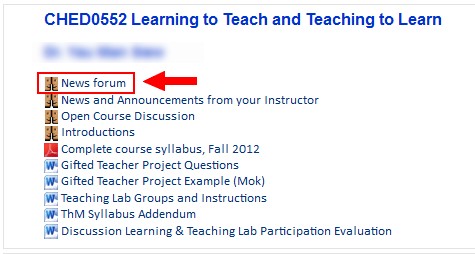
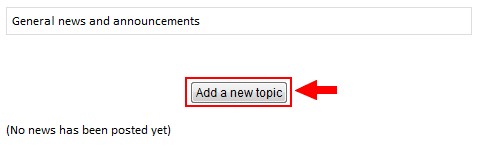
- To create a new topic, select Add a new topic
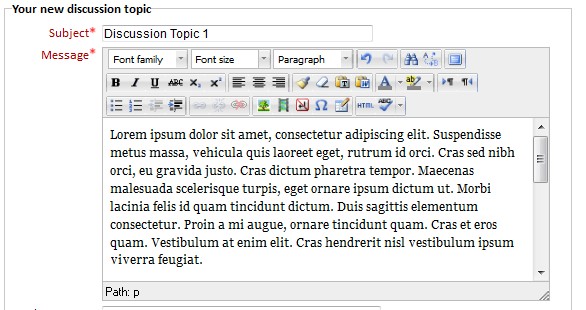
- Enter information in the required fields: Subject (a brief summary of your post), and Message (your post)
-
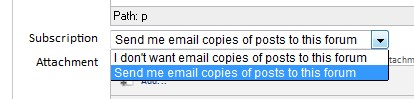
Select your E-mail Subscription:
- I don't want email copies of posts to this forum: No notifications will be sent when a new topic or response is posted.
- Send me email copies of posts to this forum: An e-mail will be sent for new topics and responses. You can set the number of e-mails and content in your profile under E-mail Digest.
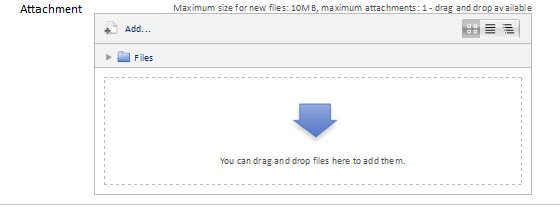
- Add any Attachments you may wish to add
- Select Post to forum when complete
Replying to Discussion Topics
- From your main course page, select the Forum you wish to post to
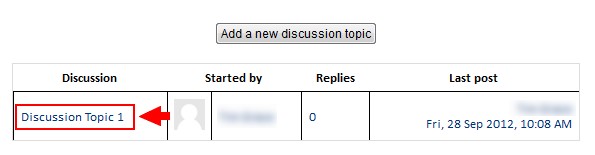
- Select the Discussion you wish to respond to
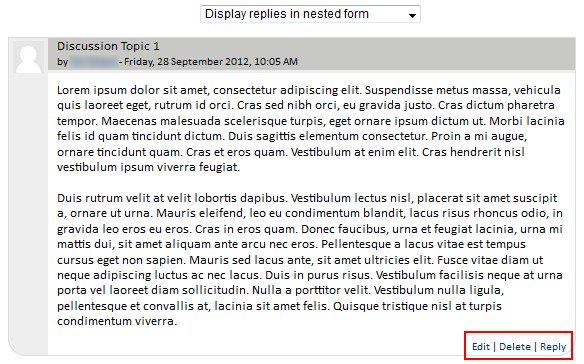
- Choose the post you wish to respond to and select Reply. You may edit or delete your posts if the instructor has allowed that action.
- Follow steps 3-6, as posted above.